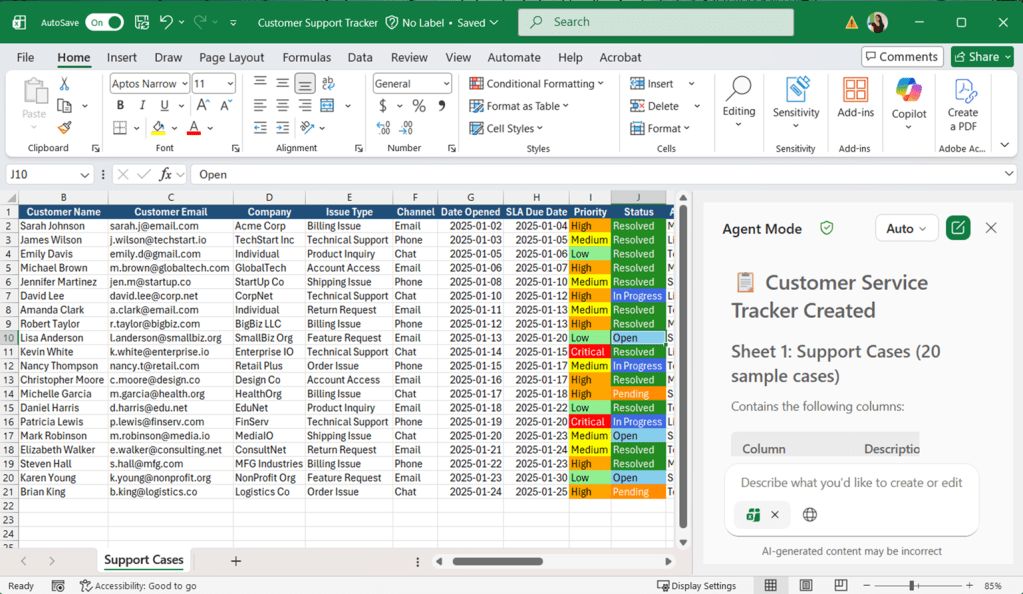

Excel tends to become the default tool for almost everything. We use it to store lists, track work, prepare reports, analyse results and manage processes that do not have a dedicated system.
The problem is that these spreadsheets often start small and become harder to manage over time. Formatting becomes inconsistent, formulas become complicated, and reports require more and more manual work each month. And what about creating the tool or report in the first place? You need to plan out the columns, design and formulas needed yourself from scratch.
Copilot in Excel can give you a much better starting point.
Instead of opening a blank workbook and building everything manually, you can describe the tool you need in plain language. Copilot can then create the initial structure, add sample data, build formulas, apply formatting and produce a dashboard with charts. The dashboards are built with formulas connected to the tracker/report data. Changes to the data will update the dashboard in real-time too.

When would you use this?
This approach is useful when you need to track a process but do not have an existing system or template available. For example, you might need to manage:
- Project actions
- Meeting preparation
- Customer service requests
- Campaign activities
- Risks and issues
- Quality incidents
- Event attendance
- Content schedules
- Budgets and actual spending
- Business requests
These processes often begin with someone opening Excel and entering a few column headings. More requirements are added as the process develops, but the spreadsheet was never designed with the complete process in mind.
Start with the process
Before deciding which columns, formulas or colours you need, think about the process the tracker will support. Consider:
- Who will use the tracker?
- What information will they enter?
- Which values should be selected from a list?
- Which dates or deadlines need to be monitored?
- What should be calculated automatically?
- Which exceptions require attention?
- What information should appear on the dashboard?
This helps you write a prompt that describes the business outcome rather than simply asking Copilot to create a table.
Meeting preparation tracker
Let us use a meeting preparation tracker as an example.
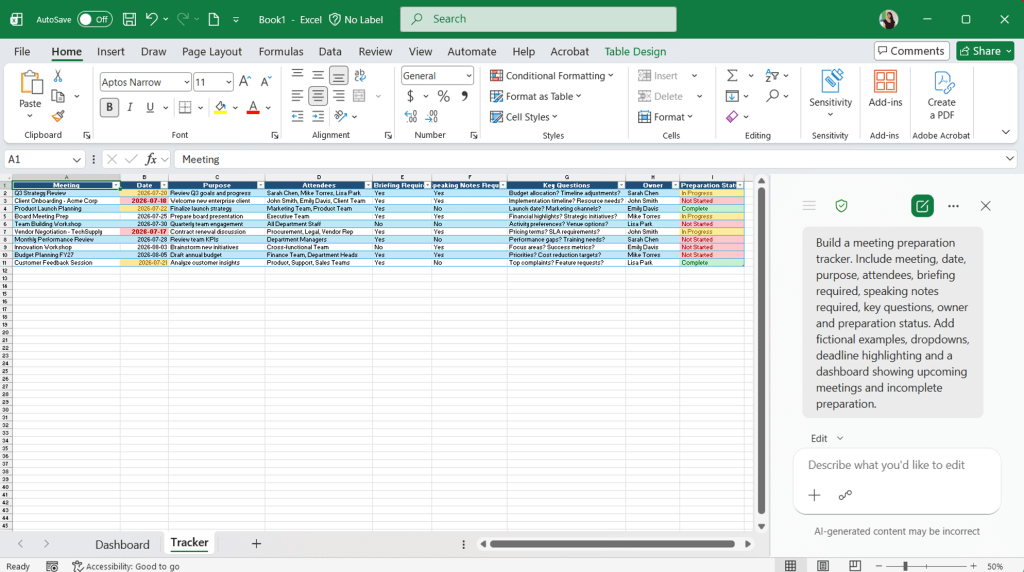
A team may have several upcoming meetings that require briefing notes, speaking points, stakeholder information or key questions to be prepared in advance. Without a central tracker, it can be difficult to see what has been completed and what still needs attention.
Rather than planning every part of the spreadsheet yourself, you can describe the process to Copilot.
You explain the purpose of the tool, the information it needs to capture and how you want it to behave. Copilot can then use Excel features such as structured tables, formulas, dropdown lists, conditional formatting, charts and PivotTables to create a fully functional tool.
Begin with a blank Excel spreadsheet, and run the prompt in Copilot Edit mode.
Build a meeting preparation tracker. Include meeting, date, purpose, attendees, briefing required, speaking notes required, key questions, owner and preparation status. Add fictional examples, dropdowns, deadline highlighting and a dashboard with charts showing upcoming meetings and incomplete preparation.

Optional: Use a theme of [colours/ describe theme]

You can provide your company colour codes in the prompt to keep the theme on-brand
Other examples
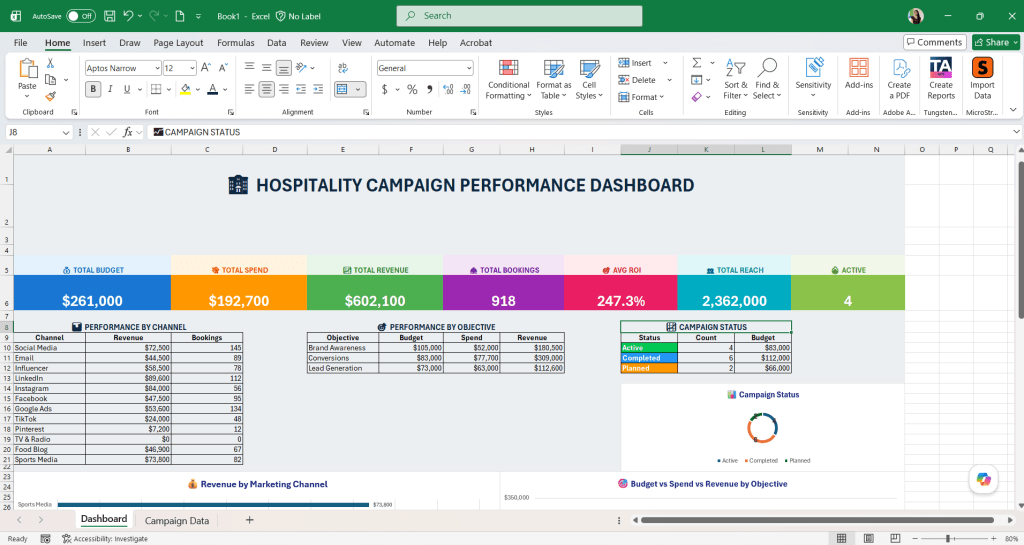
Promotional Campaign Tracker
Build a promotional campaign tracker for a [industry] company. Include campaign, brand, channel, audience, objective, start date, end date, budget, actual spend, expected reach, actual reach, engagement, and anything else that would be valuable. Add fictional examples, dropdowns, formulas, conditional formatting and a dashboard with charts. Use bright colours and make it look visually appealing.

Customer Support Tracker
Build a customer service tracker and dashboard with charts for a small business. Create sample data for 20 support cases. Include: customer, issue type, channel, date opened, SLA due date, priority, status, assigned agent, last contact date, resolution notes, and anything else you think would be relevant. Create the dashboard on a separate sheet.